When a meeting ends, the summary, attendees and tasks are kept as a record
Video meeting is a meeting service you open in your browser with nothing to install. You can watch recordings again with captions and the transcript, and during a meeting, meeting reports build up in the Notes tab on the meeting screen. Work that comes out of a meeting goes straight to Tasks.
Designed for: Teams with frequent supplier and internal meetings that spend time writing meeting minutes and assigning follow-up work
When you need it
In every meeting, one person takes the minutes and is too busy listening and writing to join the discussion. Sometimes it takes a day after the meeting for the write-up to come out.
A week later, people ask again whose job it was when someone said "I'll check on that" in the meeting. Decisions and tasks end up scattered across Messenger, email and personal notes.
Coworkers who missed the meeting have to watch the recording from the start. There is no way to find just the part they need.
How it differs from general work tools
AI Crew joins the meeting as the note taker, records the conversation and summarizes it. People focus on the discussion.
Tasks from the meeting go to Tasks. Who took on what is on record from the moment the meeting ends.
Meeting records go into Notes documents as cards, and meetings are shared in Messenger channels. Meeting materials come straight from Drive.
Key features
From preparing before the meeting to tasks after it, the work flows in one line.
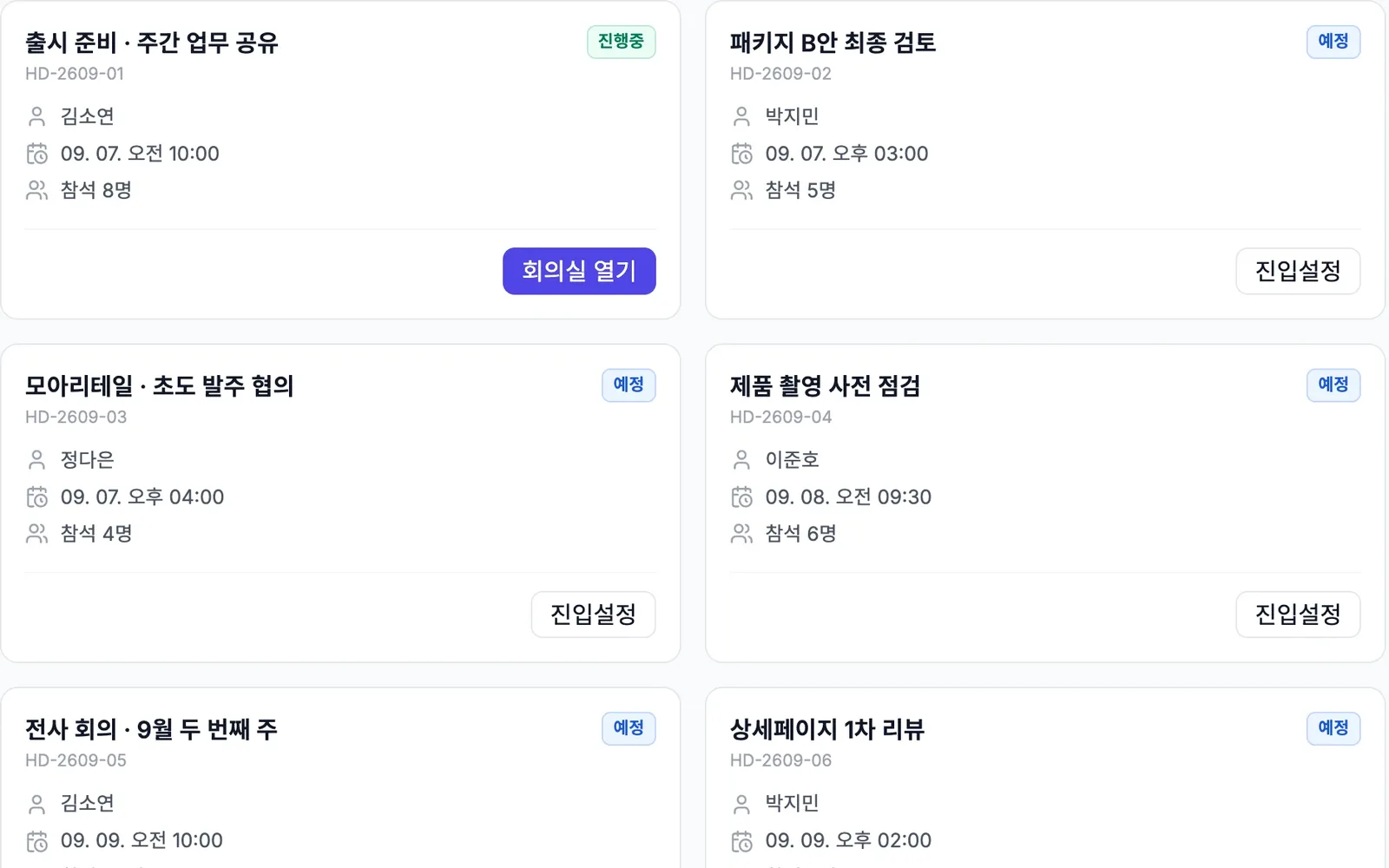
Video meetings that open in your browser
Open and join meetings in your browser without installing anything. You are already signed in with your company account, so there is no separate sign-in for each meeting. In the meeting list, check the host, date and time, and number of attendees to pick the meeting to join.
- Video meetings in the browser
- Host, date and time, and attendees for each meeting
- Join with a single sign-in
Watch recordings, captions and transcripts again
Record the meeting and keep captions and the transcript with it. People who missed the meeting find the part they need in the transcript.
- Recording
- Captions
- Review the transcript
Meeting reports in the Notes tab during the meeting
While the meeting goes on, meeting reports keep building up in the Notes tab on the meeting screen. Attendees can check what has been discussed so far, even during the meeting.
- Notes tab during the meeting
- Meeting reports build up as it goes
Records and task handoff after the meeting
When a meeting ends, the summary, attendees and tasks are kept as a record. Send the tasks to Tasks to keep managing who is responsible and the due dates. To add a meeting record to a document, type /회의 (Korean for "meeting") in Notes.
- Record of summary, attendees and tasks
- Meeting → send to Tasks
- Meeting record card in Notes with /회의
Bringing in and sharing materials
Bring materials from Drive in as meeting materials. Share the meeting in Messenger so people can check it right in the channel.
- Bring in materials from Drive
- Share meetings in Messenger
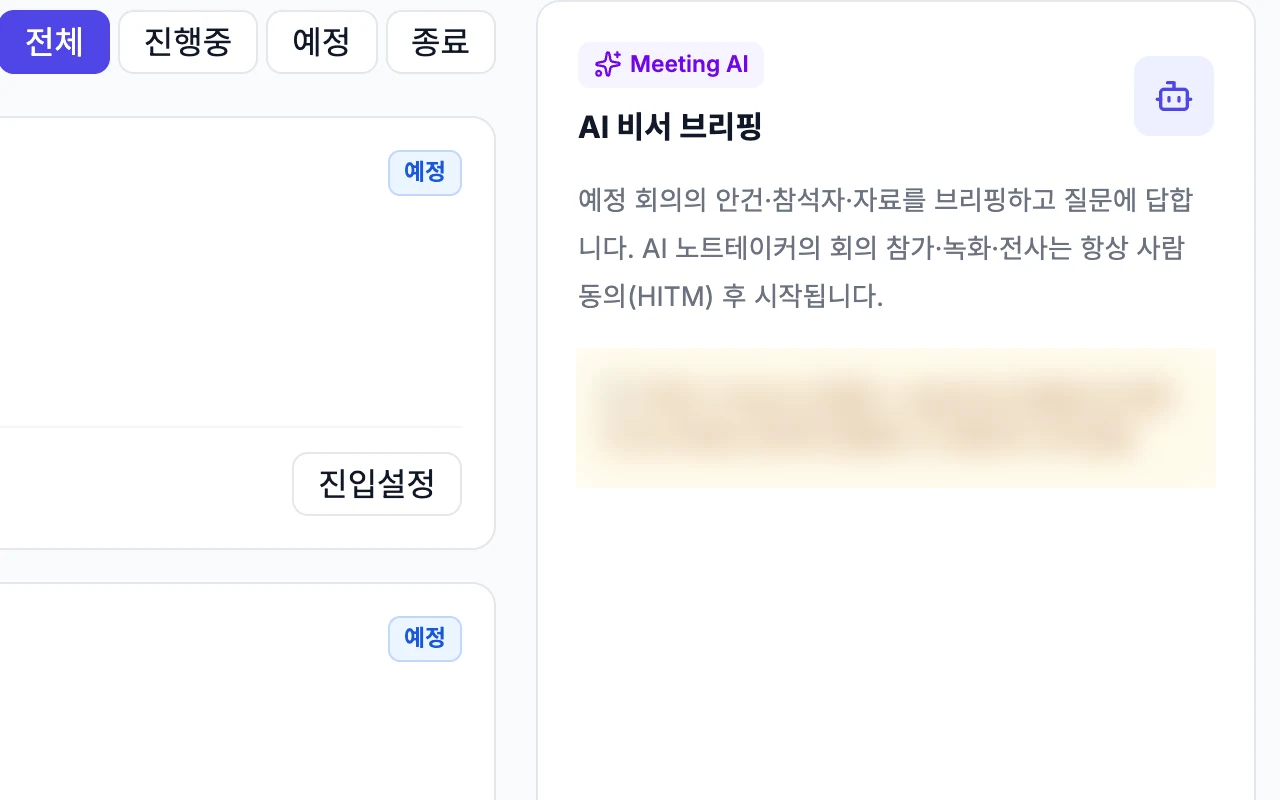
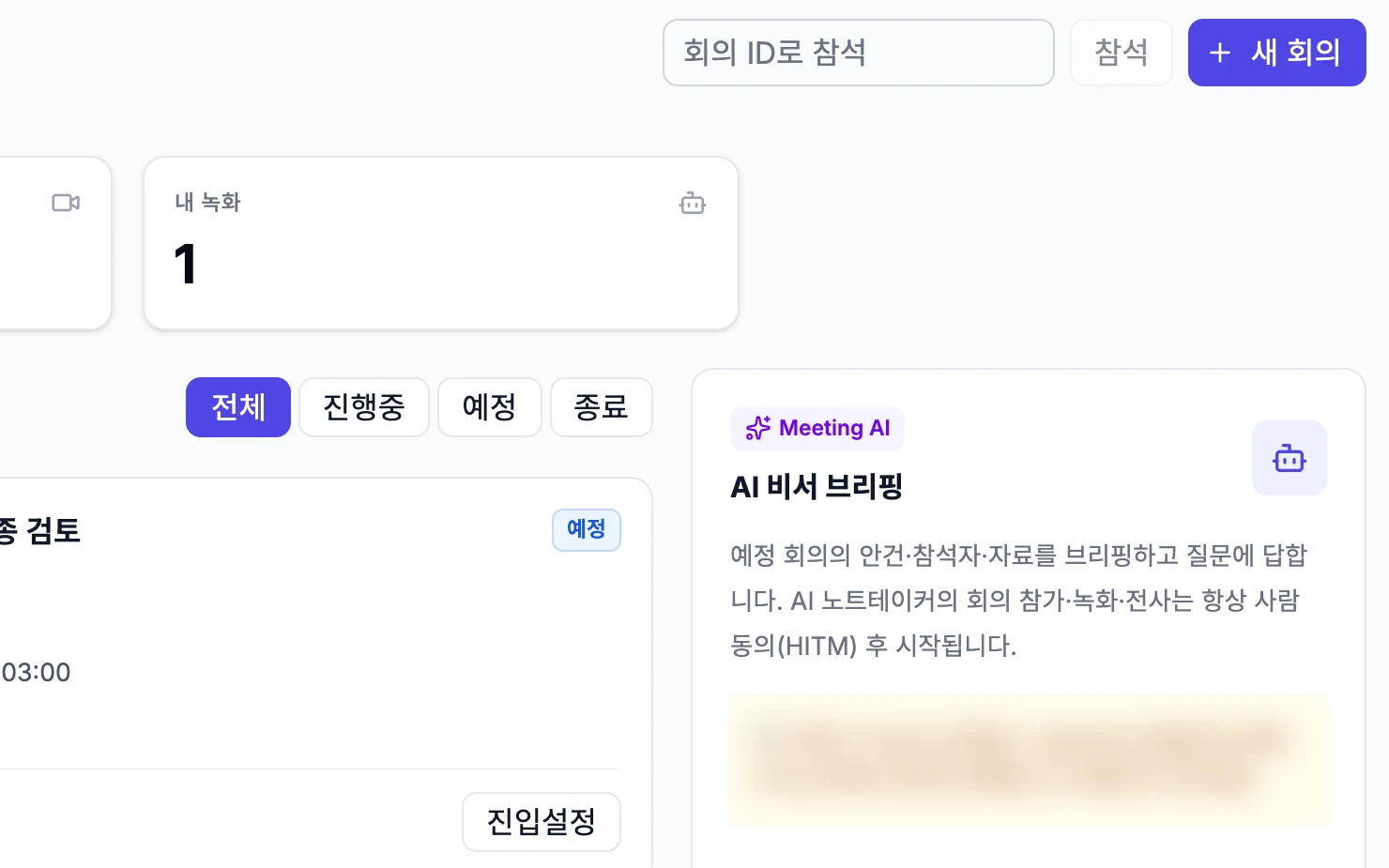
Meetings with AI Crew
Ask AI Crew to schedule meetings and have it join as the note taker. AI Crew records the conversation and leaves a summary when the meeting ends. It creates and cancels internal meetings right away, and other changes need a person's approval.
- Schedules meetings and joins as note taker
- Transcript and summary
- Changes other than internal meetings need a person's approval
What AI Crew does and what people decide
- Schedules and cancels internal meetings
- Joins as the note taker and records the conversation
- Leaves a summary when the meeting ends
- Approve changes other than creating and canceling internal meetings
- Decide what the meeting will decide
- Decide who takes on the follow-up tasks
- Decide who to share the meeting record with
Working with AI Crew: an example
Example: the fictional company Ondam Living Co. is getting ready to launch its new fall product, the "Ondam mug set".
The quality manager asks, in the AI Crew command window, for a meeting with the in-house purchasing and logistics staff to check the packaging quality of the mug set. Since it is an internal meeting, AI Crew schedules it right away.
When the meeting starts, AI Crew joins as the note taker and records the conversation, and meeting reports build up in the Notes tab.
When the meeting ends, the summary and attendees are kept as a record, along with tasks such as "Redo the packaging drop test" and "Ask the factory for an improvement plan".
The quality manager sends the recorded tasks to Tasks, sets who is responsible and shares the meeting record in the launch channel.
Connected work in other services
Send tasks from the meeting right away.
Type /회의 in Notes to add a meeting record to a document.
Share meetings in channels and conversations.
Bring Drive materials in as meeting materials.
Ask for meeting scheduling and note taking in the AI Crew command window.
Admin and security
- AI Crew handles only creating and canceling internal meetings right away, and other changes need a person's approval.
- Admins can make the check rules stricter, but they cannot loosen them.
- Sign in once and use every service with the same organization and permissions. Admins decide which services each role can use, and add exceptions only for the people who need them.
- AI Crew sees files and works only within the permissions of the person who assigned the work.
- What AI Crew does is kept in activity records. Each company's data is kept separate on both the server and the database.
Frequently asked questions
Do I need to install a program to join a meeting?
No installation needed. You open and join meetings right in your browser, and you only need to sign in once with your company account.
Does AI Crew create or cancel meetings on its own?
AI Crew creates and cancels internal meetings right away. Other changes go ahead only after a person approves them.
How do people who missed the meeting catch up?
They can watch the recording again with captions and the transcript. After the meeting, the summary, attendees and tasks are kept as a record.
How are tasks from the meeting managed?
Send the tasks in the meeting record to Tasks. After that, the responsible person accepts or declines them, or hands them to someone else, and they keep being managed there.
Does AI Crew remember what was said in meetings?
The feature that lets AI Crew remember meeting content is in preparation. For now, you use the summary and task records kept after a meeting ends.
Related pages
Start with AI Crew in the November closed beta.